Modern smartphones from Apple and Google include AI tools that most people never discover: live translation of spoken conversations, automatic call screening that filters robocalls, AI-generated text suggestions, smart photo cleanup, and more. These features are free and already on your phone — you just need to know where to find them.
Your smartphone is already running AI in the background — analyzing your photos, listening for context clues, predicting what you will type next. But most of these features hide in menus you have never opened, or they only announce themselves with a subtle sparkle animation that is easy to miss. Here are the best ones worth knowing about, organized by what they do.
Quick Reference: What's on Which Phone
| Feature | iPhone (Apple Intelligence) | Google Pixel | Samsung Galaxy AI |
|---|---|---|---|
| AI writing suggestions | Yes (Writing Tools) | Yes (Help me write) | Yes (Chat Assist) |
| Live call translation | Limited | Yes (Call Screen + Interpreter) | Yes (Live Translate) |
| Robocall screening | Partial (Silence Unknown) | Yes (Call Screen) | Partial |
| Circle/search on screen | No | Yes (Circle to Search) | Yes (Circle to Search) |
| Smart photo cleanup | Yes (Clean Up) | Yes (Magic Eraser) | Yes (Object Eraser) |
| AI text summary | Yes (Summarize) | Yes (Recorder app) | Yes (Note Assist) |
| Real-time translation | Yes (Translate app) | Yes (Interpreter mode) | Yes (Interpreter) |
1. Live Call Translation
If you regularly talk to people who speak a different language, this is a game-changer. Pixel phones have an Interpreter mode that translates conversations in real time, showing each side on screen and reading the translation aloud. Samsung Galaxy AI has Live Translate built into the Phone app — both sides hear each other in their own language through the phone's speaker. You do not need a translator app. Just open the Phone app and look for the translation icon before or during a call.
2. Robocall Screening (Android / Pixel)
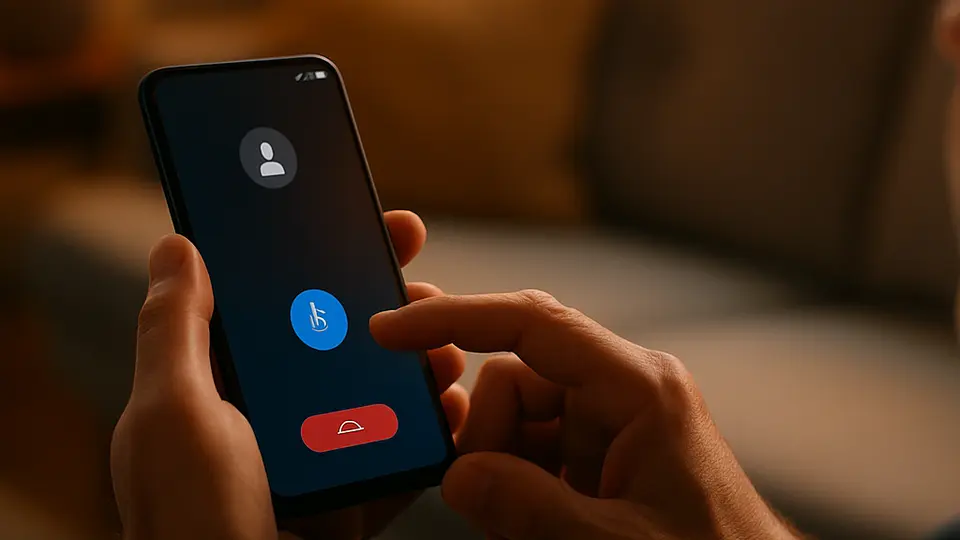
Google Pixel phones have a Call Screen button that appears when an unknown number calls. Instead of answering or ignoring, you tap Screen Call. Google's AI answers on your behalf, asks what the call is about, and transcribes the response on your screen in real time. If it is a real person with a real reason, you can pick up. If it is a robocall, you have not wasted 30 seconds of your life. iPhone's equivalent is less conversational — it silences unknown callers automatically, but it does not screen them.
3. Writing Tools (iPhone) and Help Me Write (Android)
Select any text you are about to send — in Messages, Mail, Notes, or most other apps — and look for a Writing Tools option (iPhone) or Help me write (Pixel/Android). These let you rewrite the selected text to sound more formal, more casual, shorter, or longer. On iPhone, you can also proofread and summarize. It is faster than copying text into ChatGPT and works inside any app.
How to access on iPhone: Select text → tap the AI wand icon or "Writing Tools" in the context menu (requires iPhone 15 Pro or iPhone 16).
How to access on Pixel: Long-press text in a text field → look for "Help me write" in the options.
4. Smart Photo Cleanup
Every major phone brand now has a tool that removes unwanted objects from photos. iPhone 16 users have Clean Up in the Photos app. Pixel phones have Magic Eraser. Samsung Galaxy has Object Eraser. All three work similarly: open a photo, tap the AI eraser tool, circle or tap the thing you want gone, and the phone fills it in. Photobombers, power lines, trash cans in the background — they disappear in seconds.
The feature has been in Pixel phones since the Pixel 6, so if you have an older Pixel, you already have it and may never have tried it.
5. AI Text Summaries
Both iPhone and Android can summarize long text for you. iPhone can summarize notification stacks (a bunch of emails or messages becomes one short line in your lock screen). It can also summarize web pages in Safari. Google's Recorder app on Pixel phones transcribes recorded audio and then lets you ask questions about it — useful after a long meeting or lecture. Samsung Notes has Note Assist, which summarizes long notes with one tap.
6. Smart Suggestions and Predictive Actions
This one is subtle but constant. Your phone watches patterns — where you go, what apps you open at what times, who you call on Monday mornings — and makes suggestions. On iPhone, this shows up as Siri Suggestions in Spotlight search and on your lock screen. On Android, it appears as App Suggestions in the app drawer.
You can control how much data the phone uses for this in Settings > Privacy > Analytics (iPhone) or Settings > Google > More > Customize your Google experience (Android).
What to try next
Many of the camera-specific AI tools deserve their own deep dive — for Magic Eraser, Photo Unblur, and portrait AI, see Hidden AI Features Already in Your Phone's Camera. For Samsung's full set of AI features, Galaxy AI: A Complete Guide covers the whole package.