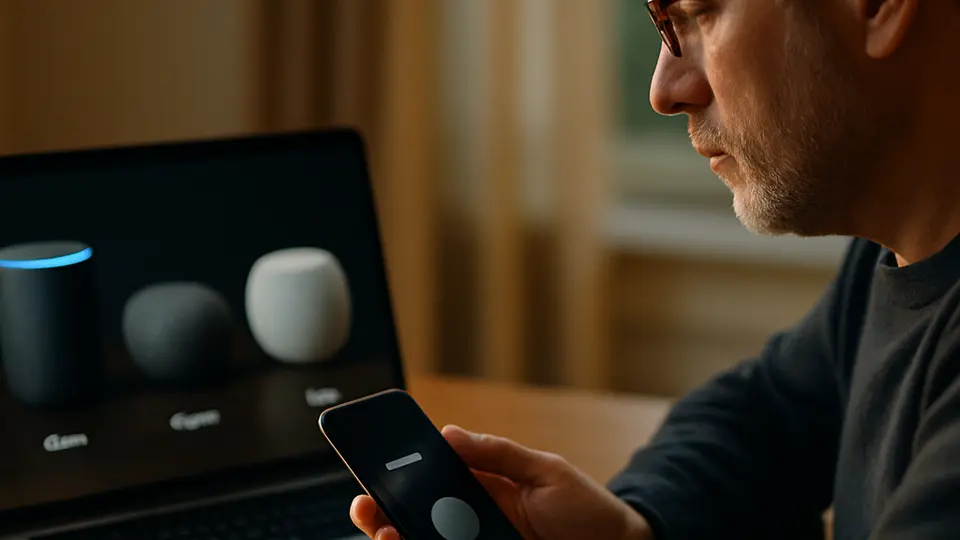
The 'AI' on modern TVs refers to software that improves picture quality by sharpening blurry images in real time, adjusts audio automatically based on what is on screen, and powers smart remotes that let you ask questions with your voice. These features are real and noticeable, but the word 'AI' is used very loosely — the core job is making the picture and sound better without you touching any settings.
TV marketing has discovered the word "AI" in a big way. Walk through any electronics store and you will see it everywhere: AI Upscaling, AI Sound Pro, AI Processor, AI Remote. Most of these labels are real features, not just stickers — but they mean different things. Here is a plain-language breakdown.
AI Upscaling: Making Older Content Look Sharper
When you watch something filmed or recorded in lower resolution — an old movie, a show from the 1990s, or a YouTube video — your 4K TV has to stretch that image to fill millions of pixels. Without help, stretched images look soft or blurry.
AI upscaling uses a neural network trained on millions of image pairs. It predicts what a high-resolution version of each frame should look like and fills in the extra detail on the fly. The result is a sharper, less grainy picture — especially visible on large screens from a normal viewing distance.
Different brands call this the same thing with different names. Samsung calls theirs the Neural Quantum Processor. LG calls theirs the Alpha AI Processor. Sony calls theirs the Cognitive Processor XR. The underlying approach is similar across all of them.
Does it work? Yes. The improvement is most obvious on standard-definition content on a big screen. On already-sharp 4K content, the difference is subtle.
AI Sound: Audio That Adjusts Itself
Most TV speakers struggle with dialogue — it gets buried under music and sound effects. AI sound processing analyzes the audio in real time and decides which parts are speech, music, and background noise. It then adjusts each independently, turning up dialogue and keeping the rest balanced.
Some TVs also adapt audio based on what is on screen. If a quiet nighttime scene suddenly cuts to an action sequence, the TV can soften the sudden jump in volume before it wakes up the house.
Look for names like AI Sound, Sound Optimizer, or Adaptive Volume in your TV's settings. These are usually on by default, but you can dial them back if you prefer the raw audio mix.
AI Recommendations: What to Watch Next
Every major streaming TV platform — Roku, Fire TV, Google TV, Apple TV, Samsung Tizen, LG webOS — uses a recommendation algorithm. This is sometimes called AI because it learns from your watch history over time.
The quality varies a lot. Google TV's recommendations tend to be more accurate because Google has years of data about your interests from Search and YouTube. Roku's recommendations are partly driven by which apps pay for placement.
You can usually reset or limit this data in Settings > Privacy.
Conversational Remotes: Talking to Your TV
High-end TVs now ship with remotes that have a microphone button. Press and hold it, ask a question, and the TV responds. Depending on your TV, that could be Google Assistant, Alexa, or the brand's own assistant.
You can say things like "Show me action movies on Netflix," "Turn up the brightness," or "What time does this channel show the news?" The TV responds in text or voice and acts on the request.
A useful detail: most AI remotes also work as a universal remote for your soundbar, cable box, or streaming stick, since the TV can learn those device's commands too.
What "AI Processor" Actually Means
You will see "AI Processor" listed as a spec. This refers to a dedicated chip in the TV that runs the upscaling and sound algorithms without slowing down the main processor. The practical effect is smoother, lag-free performance even when upscaling fast-moving content.
Higher processor tiers (like Samsung's Neo Quantum Processor versus their base Quantum Processor) run more layers of the neural network and handle the upscaling more accurately. For most viewers in a living room at normal distance, mid-tier processors are already very good.
What to try next
If you want to go deeper on voice assistants beyond your TV, Alexa vs. Google vs. Siri: Which Assistant Is Best? is a helpful comparison. And for a broader look at what AI actually means as a term, What Does AI Mean? A Plain-English Explanation is a short, jargon-free read.
Sources
- How to turn off smart TV snooping features — Consumer Reports
- VIZIO to pay $2.2 million to FTC, State of New Jersey to settle charges it collected viewing histories without consent — Federal Trade Commission