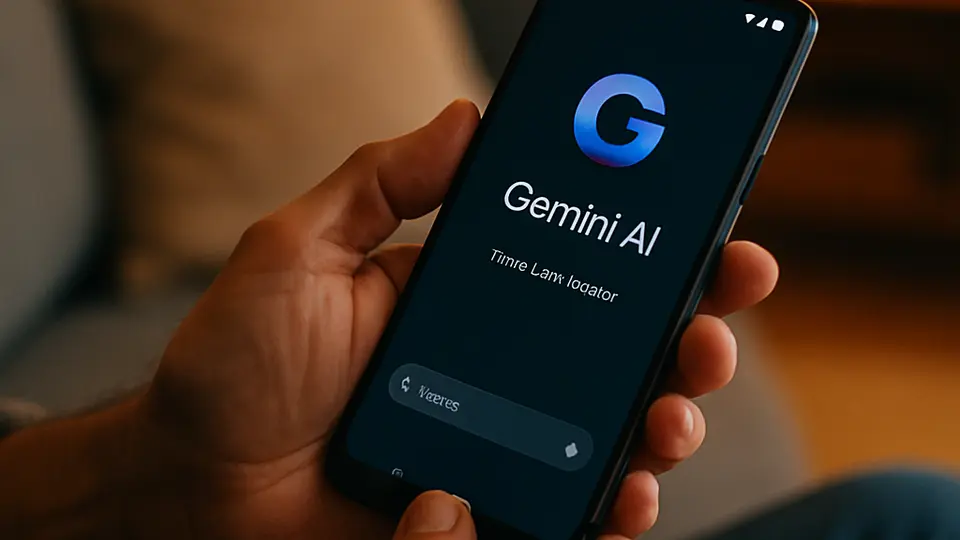
Several car brands now connect to ChatGPT, Google Gemini, or Amazon Alexa directly from the dashboard. You can ask questions, get directions, control music, and have conversations — all without picking up your phone. The key rule is the same one that applies to any in-car tech: set things up before you drive, not while you are moving.
The voice assistant in your car used to answer two questions well: "Navigate home" and "Call Mom." Everything else was a polite failure. That is changing quickly. Several automakers have plugged ChatGPT, Google Gemini, or Amazon Alexa directly into their dashboards, and the experience is genuinely different from what came before. Here is what you need to know — including the parts the marketing materials leave out.
Which AI Is in Which Car?
The answer depends on both your car brand and model year, so treat this as a starting framework rather than a definitive list.
ChatGPT is built into vehicles from Volkswagen Group (VW, Audi, and ŠKODA, among other group brands) as part of their IDA voice assistant. The integration lets you ask factual questions, get recipe ideas on road trips, understand warning lights, and carry on multi-turn conversations — all while the car handles navigation and phone calls separately.
Google Gemini lives inside Android Auto, which runs on your phone but displays on your car's screen. If your car has a screen that supports Android Auto, you already have access. Gemini in Android Auto can answer questions, send messages, and pull up information — completely hands-free with the microphone button on your steering wheel.
Amazon Alexa has two forms in cars. Some manufacturers have built Alexa directly into the car — BMW is among the first to include the upgraded Alexa+ in 2026 vehicles. More commonly, drivers use the Alexa app on their phone through Bluetooth or CarPlay/Android Auto. Either way, you get Alexa's smart home and shopping features along for the ride.
What In-Car AI Is Actually Good At
Once you try it, certain use cases become second nature.
Answering questions mid-drive. "What's the speed limit on this highway?" "How many calories are in a gas station protein bar?" "What does that dashboard light mean?" The AI handles these without you needing to touch your phone.
Composing messages by voice. Say "Text my wife that I'm running 20 minutes late," and the AI drafts the message, reads it back to you, and sends it when you confirm. This is one of the safest uses of in-car AI — no screen interaction required.
Trip planning. On a long drive, you can ask "Find me a coffee shop in the next 10 miles that's not a chain" and get a spoken answer you can act on. Some integrations can then hand the address directly to navigation.
Explaining the car itself. ChatGPT-enabled VW vehicles let you ask things like "What does the Auto Hold feature do?" and get a plain-language answer from the car's built-in knowledge.
The Safety-First Rules
Voice AI in cars is powerful but not risk-free. The danger is not the technology itself — it is the temptation to look at the screen or get absorbed in a conversation.
Set up before you drive. Connect your phone, choose your assistant, and start your route before the car is in motion. Fumbling with settings at 60 mph defeats the purpose entirely.
Eyes forward, always. Voice-only exchanges (ask a question, listen to the answer) are much safer than ones that involve looking at text on the infotainment screen. If an AI response is showing on the screen, wait for a stop to read it.
Keep conversations short while moving. Multi-turn philosophical debates are fine in a parking lot. While driving, ask one thing, get the answer, move on.
Do not rely on AI for safety decisions. In-car AI assistants cannot tell you that the road ahead is icy or that your tire is about to blow. They complement your own judgment — they do not replace it.
What In-Car AI Cannot Do
Understanding the limits saves frustration.
These systems generally cannot access your personal accounts (email, banking, social media) without explicit setup. They can't control apps on your phone the way you can with your hands. They also have no awareness of what is happening outside the car — no real-time traffic beyond what navigation provides, and no information about road hazards.
If the car's data connection drops (tunnels, rural areas), built-in AI goes offline. CarPlay and Android Auto depend on your phone's signal, which is generally more reliable.
What to try next
For a deeper look at ChatGPT's voice capabilities beyond the car, ChatGPT Voice Mode: How to Use It and What It's Good For covers the full feature. And if you want to compare all the major voice assistants on their everyday strengths, Alexa vs. Google vs. Siri: Which One Should You Use? is a useful side-by-side.