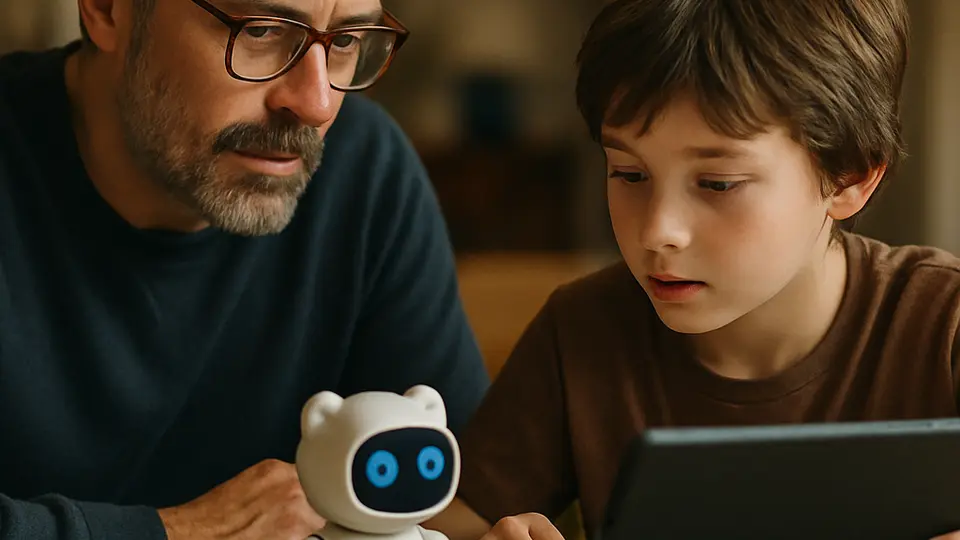
The best AI apps for kids depend heavily on their age. For young kids (6–8), look for apps that only let AI ask questions rather than answer them. Tweens (9–12) do well with tutoring tools like Khanmigo. Teens (13+) can handle general chatbots with the right parental guardrails in place.
Not every AI app is right for every child. A six-year-old needs something completely different from a fourteen-year-old, and the wrong tool at the wrong age can do more harm than good. Here is a practical, age-based guide to what actually works — and what to skip.
Ages 6–8: AI That Asks, Not Answers
Young children learn best by doing and talking, not by reading AI-generated answers. The best apps for this age group use AI to adapt games or ask guiding questions, not to hand over information.
What to look for: Apps with no open chat box, limited vocabulary, and a parent dashboard you can check each week. Content should be reviewed and controlled by the app — not generated on the fly.
Apps worth trying:
- Khan Academy Kids — Uses character-based activities to adapt math and reading games. No chatbot, no risky content. Free.
- Duolingo ABC — Adaptive reading and letter recognition for early learners. AI adjusts pace to the child. No chat features.
- Osmo (with physical kits) — Combines screen and hands-on play using computer vision. Great for kindergarten through second grade.
Skip: Any general-purpose chatbot (ChatGPT, Gemini, Copilot). They are not built for this age, and their content filters were designed with adults in mind, not six-year-olds.
Ages 9–12: AI Tutors and Homework Helpers
Tweens can start using AI tools that help them think through problems — but the keyword is "think through," not "give me the answer." The best tools for this age ask follow-up questions rather than just handing over solutions.
What to look for: Tutoring-style AI that prompts reasoning, a parent or teacher dashboard, and age-appropriate content moderation.
Apps worth trying:
- Khanmigo (by Khan Academy) — Designed specifically for students. It asks Socratic questions rather than giving direct answers. Requires a Khan Academy account; family plans cost $4/month (free for teachers through school plans).
- Book Creator with AI — Lets kids write and illustrate their own stories with AI suggestions. Good for creative writing without open-ended chat.
Safety note: Even apps designed for this age benefit from a monthly check-in. Ask your child to show you what they used the app for last week — it keeps both of you in the loop.
Ages 13–14: Real Chatbots With Real Guardrails
Teenagers can start using general AI tools, but they need clear rules first. Without guidance, it is easy to slip from "help me understand this" into "write my essay for me." Set expectations before the app even opens.
What to look for: Parental controls or family plan options, usage visibility, and an honest conversation about academic integrity.
Apps worth trying:
- ChatGPT (with parental controls set) — Teens 13+ can use it with an account and proper settings. Review how to set up ChatGPT parental controls before getting started.
- Microsoft Copilot — Available free with any Microsoft account. Better integrated into school tools like Word and OneNote.
- Perplexity — Search-style AI that shows its sources. Helps teens develop the habit of checking where information comes from, which is a skill worth building.
Academic integrity note: At this age, it is worth having one direct conversation: using AI to write your work and submitting it as your own is dishonest, and most schools now have tools to detect it. Using AI to explain a concept you do not understand is just studying.
What to Try Next
If you want to go deeper on keeping kids safe across all apps — not just AI — the guide to parental controls for AI apps covers the settings worth turning on first. And if your child has already been using ChatGPT, this parent's guide to ChatGPT and homework walks through what to check.
Sources
- Protecting Kids Online — Federal Trade Commission
- Family Link — parental controls — Google
- Use Screen Time on your iPhone or iPad — Apple