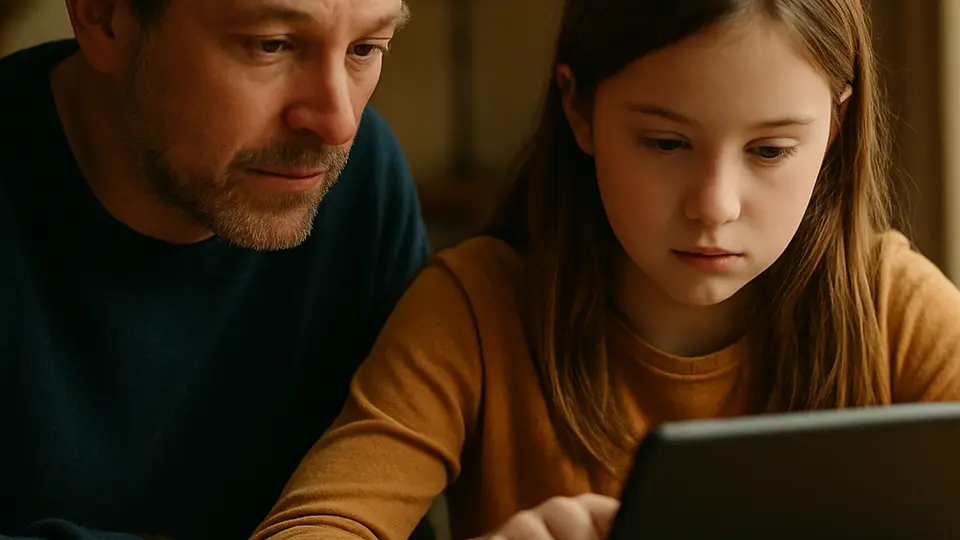
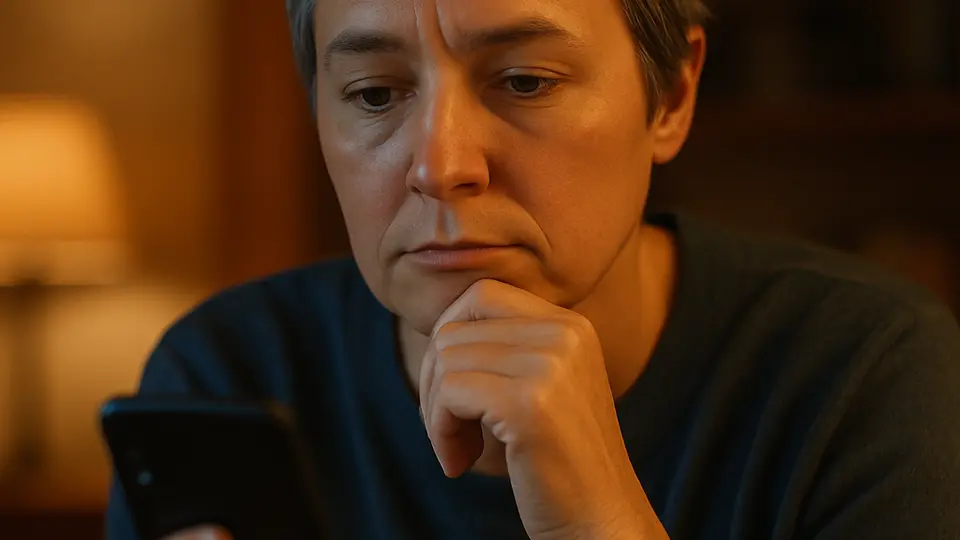
The newest AI generators often get finger counts and in-image text right, so the old visual tricks alone are no longer enough. More reliable: a reverse image search (Google Images, TinEye) and checking for a Content Credentials (C2PA) label, if the image has one. Visual details — hands, background, shadows — remain a useful supporting check, but context and provenance matter more every year.
A photo that looks like a real person, a real customer review, or a real news event can be generated by AI in seconds — for free, by anyone. Most of the time these images are harmless. But they are increasingly used in fake profiles, fraudulent product listings, and misleading content online. The old advice — count the fingers, read the background text — often fails against today's top generators, and advice that fails is worse than no advice at all, because a photo that "passes" the test earns more trust, not less. The most reliable move now is to find out where an image came from first, then look at the visual details.
Try a reverse image search
Before hunting for visual flaws, check whether the image has already turned up somewhere else. Upload the photo (or paste its URL) at images.google.com or tineye.com — both are free and require no account. The results show you everywhere else that image has appeared online.
If a "new" profile photo turns up under a different name, on a different site, or dated years earlier, you have your answer regardless of how convincing the photo looks. On a phone, a long press on the image usually offers a "search image" option, or you can install the TinEye browser extension.
Look for a Content Credentials (C2PA) label
Content Credentials is a standard — technically called C2PA — that attaches verifiable metadata to an image about its origin: what camera or tool created it, whether AI touched it, and by whom. The newest phones (Google's Pixel 10, for example) and several editing tools can now sign this metadata.
You can check an image by uploading it at verify.contentauthenticity.org or contentcredentials.org, or via the "Content Credentials" browser extension for Chrome, which adds a right-click option. There is one major catch: the label is strong evidence when it is present and valid, but its absence proves nothing. Many social platforms strip metadata on upload, and plenty of photos never carried any to begin with.
Count the fingers — but treat it as a weaker clue now
This used to be one of the most reliable tests, but it largely no longer holds against today's leading generators — models have learned to draw hands with the correct number of fingers. Errors still show up most often in quickly or cheaply generated images, or in unusual poses: clenched fists, interlaced fingers, a hand partly hidden behind an object.
If a hand is clearly visible, glance at it — but if it looks fine, that alone does not mean the photo is real. Treat it as one of several minor clues, not a deciding test.
Read any text visible in the image
Text inside an image — a shop sign, a book cover, a product label — used to give AI generators serious trouble, often coming out as a garbled approximation of letters. The newest tools handle this far better, so what used to be a dependable test is now just a supporting clue as well.
Cheaper or faster generators still produce wrong letter combinations, reversed characters, or repeating sequences that spell nothing. If text in an image clearly doesn't make sense, that is still a useful signal — just don't rely on it alone.
Check ears, teeth, shadows, background, and accessories — small but still worth a look
Human faces are slightly asymmetrical in real life; AI faces sometimes look too symmetrical or too smooth. Ears can merge with hair or have an odd cartilage shape; teeth sometimes blur into a uniform stripe of white.
It's also worth checking whether shadows all fall consistently from an apparent light source, whether background patterns (brickwork, floor tiles, crowds of people) repeat unnaturally, and whether small accessories — earrings, glasses frames, a necklace chain — look warped or asymmetrical, which AI images still occasionally get wrong. None of these details is proof on its own today, but combined with other signs, they're still worth noticing.
Ask where the image came from
Visual inspection and reverse search are only part of the job. Ask: is this profile attached to an account with real, organic activity — tagged photos, comments from other real-looking people, a consistent posting history? Does this product review include specific, believable details about the purchase, or just general praise? Who posted the image first, and when?
Context checks catch what visual inspection misses. And as AI image quality keeps improving, context and provenance will matter more than the visual signs.
An Honest Note: Detection Is Getting Harder
The visual checks in this guide work on only part of today's images, and their reliability keeps falling — research on the newest image-editing techniques has found commercial detector accuracy dropping close to a coin flip once obvious global artifacts are controlled for. What would have clearly failed the finger or text check a year ago now sails through. That does not make these checks useless — it means the visual alone is no longer enough, and needs to be paired with a reverse image search, a Content Credentials check, and a look at who posted the image first.
Dedicated AI detectors exist, but treat them as a supporting signal, not a verdict — their accuracy varies and they lag behind the newest generators. No single check is a reliable detector by itself; combining several signs with a look at provenance gives you a reasonable basis for healthy skepticism.
What to try next: These same instincts apply to video — see How to Spot a Deepfake Video for the moving-image version of this guide. If you want to test dedicated detection tools, AI Detectors Tested covers what actually works and where current tools fall short.
Sources
- AI-Generated Image Detectors Overrely on Global Artifacts: Evidence from Inpainting Exchange — Nebioglu, Bilgiç and Popescu, arXiv, 2026
- Content Credentials — Coalition for Content Provenance and Authenticity (C2PA)
- Verify Content Credentials — Content Authenticity Initiative
- Google Pixel 10 Adds C2PA Support to Verify AI-Generated Media Authenticity — The Hacker News
- TinEye — Reverse Image Search — TinEye
- Google Images — Google